
The Last
Marble
Tilt your iPhone. Guide the marble. Survive the maze. A precision arcade game with 20 handcrafted levels and infinite procedural challenges.
Tilt your iPhone. Guide the marble. Survive the maze. A precision arcade game with 20 handcrafted levels and infinite procedural challenges.
Precision gameplay meets elegant design
Tilt your iPhone to guide the marble through intricate mazes. Smooth, responsive motion with precision lissage.
Progressive difficulty from gentle corridors to expert gauntlets with moving walls and rotating platforms.
Moving walls and rotating platforms challenge your timing and precision in the advanced levels.
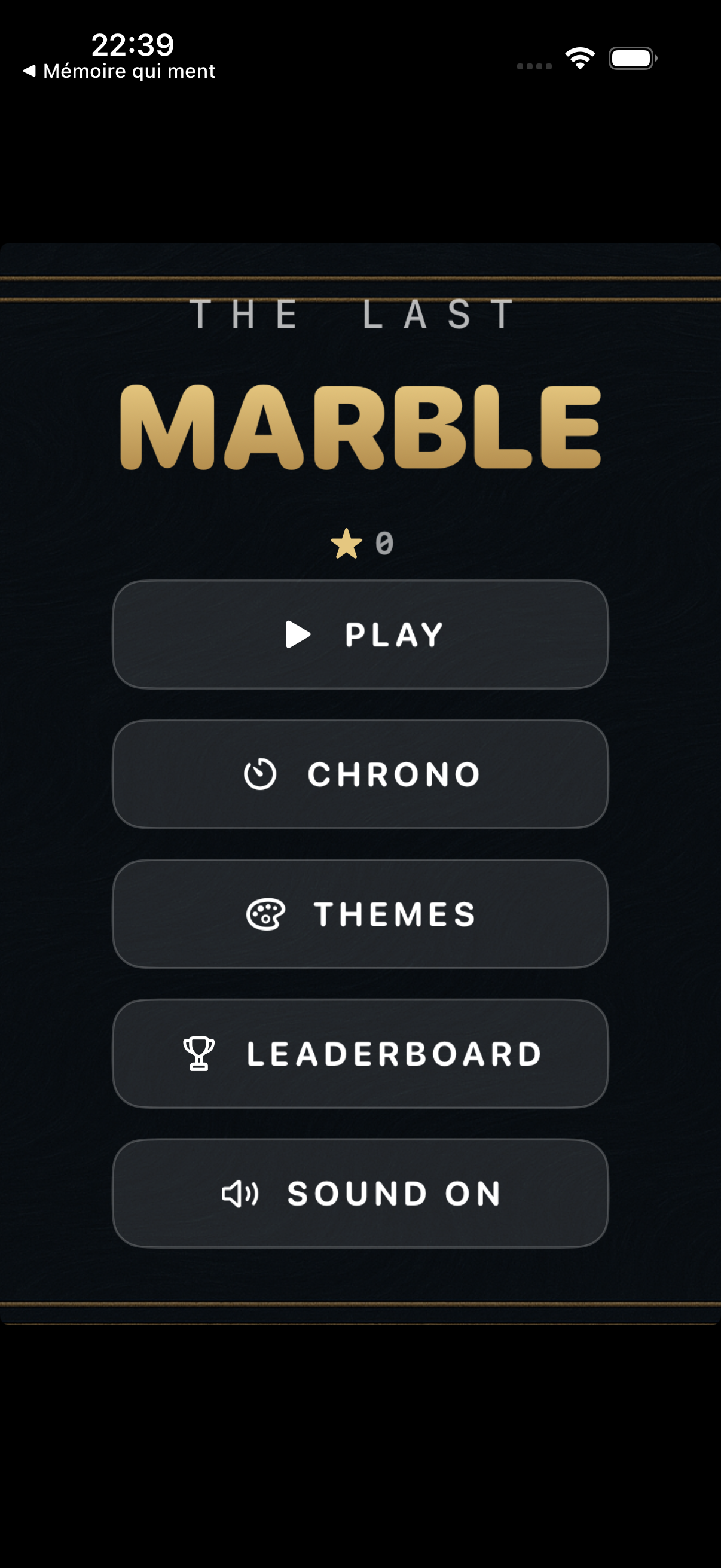
Race through all 20 levels back-to-back. Compete for the fastest total time on the leaderboard.
Earn up to 3 stars per level based on completion time. Collect stars to unlock premium themes.
Four distinct visual themes — Midnight, Golden, Emerald, and Crimson — each with unique wall and finish colors.
Feel every wall collision and hole fall through precise haptic vibrations. Immersive tactile gameplay.
Mathematically generated sound effects — wall impacts, falling tones, victory arpeggios — no external files needed.
Beyond the 20 curated levels, a procedural maze generator creates endless challenges with increasing difficulty.
Clean, focused, beautiful
Tap the button below directly from your iPhone to install The Last Marble.
Open this page on your iPhone and tap the button above. iOS will prompt you to install the app.
Other options:
The Last Marble does not collect, store, or transmit any personal data. All game progress is stored locally on your device using UserDefaults. No analytics, no tracking, no ads.
The app uses CoreMotion solely to read device orientation for gameplay. Motion data is not recorded or shared.
Game Center is used optionally for leaderboards. Your Game Center display name and scores are managed by Apple.